

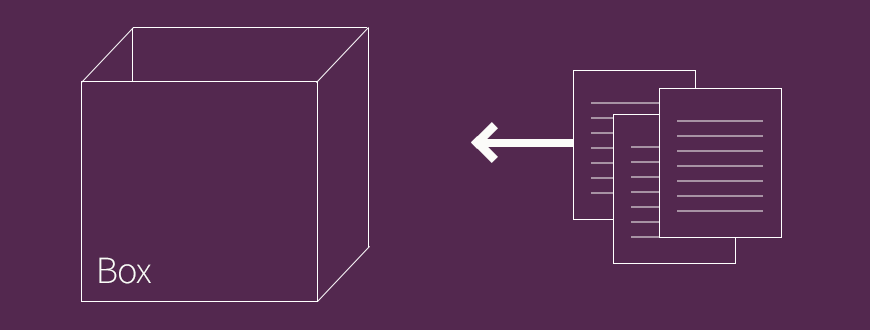
One of the needs that we frequently encounter on campus while building sites is linking to forms and documents like pdfs from within text areas like the body field in Drupal. Note: I've updated this blog post to reflect the newest version of Box as of 9/24/2014.
The Old Way
The old way to link to documents was through Drupal's file system. One approach might be:
- Create a content type Uploaded Document with a file upload field.
- Add content by uploading files one by one into the Uploaded Document content type.
- Copy links from the saved Uploaded Document nodes into your WYSIWYG.
The above solution has a handful of drawbacks:
- groups all uploaded documents into a single folder within your Drupal file system
- makes duplicate documents in your files if you upload a revision
- changes URL when you upload a revision
- cannot bulk upload files unless you have server access
The BOX Way
A new approach that we're beginning to use on sites is to use Box to house all of the documents that we want to link to! Some content/images have been borrowed from this post on making direct download links in Box's documentation.
The process is:
- Add document to any folder in Box.
- In Box's online interface at box.stanford.edu, find the document.
- Use the down arrow menu on the far right to choose Share. This will give you the advanced Share options.
- Change file Access in the pop-up window to 'Anyone with a link.' See 2nd image below.
- On the pop-up window select the address shown beneath the 'Direct Link' field. This link will include the file extension. See 3rd image below.
- Paste this link into Drupal.
Here is an example: https://stanford.box.com/shared/static/ac04hduohqfssrniws47.png. This image is in one of my Box folders.


The Benefits
Compared to Drupal's default file storage, Box is a much better at digital asset management. Using Box to manage your documents for web has the following benefits:
- documents are readily accessible for editing by those with edit permissions
- revised documents retain the same URL
- Box automatically stores revisions of your documents
- bulk uploads of documents into a folder is no problem
- more sensitive documents can require Box login to view
- documents can be organized into subdirectories for easy tracking
- documents won't impact your AFS storage limit
What you need to know
If your website is for a department, be sure you link Box to your Stanford Workgroup so the quota is counted towards the department rather than your individual account. Also, the account will need to be configured to post public documents. To do that:
- In Box click on the gear icon in the top right and choose 'Account Settings'
- Click 'Content & Sharing' tab
- 'Enable external links to:' 'Folders and files'
- '...with access options:' 'Open, Company, and Collaborators Only'





