
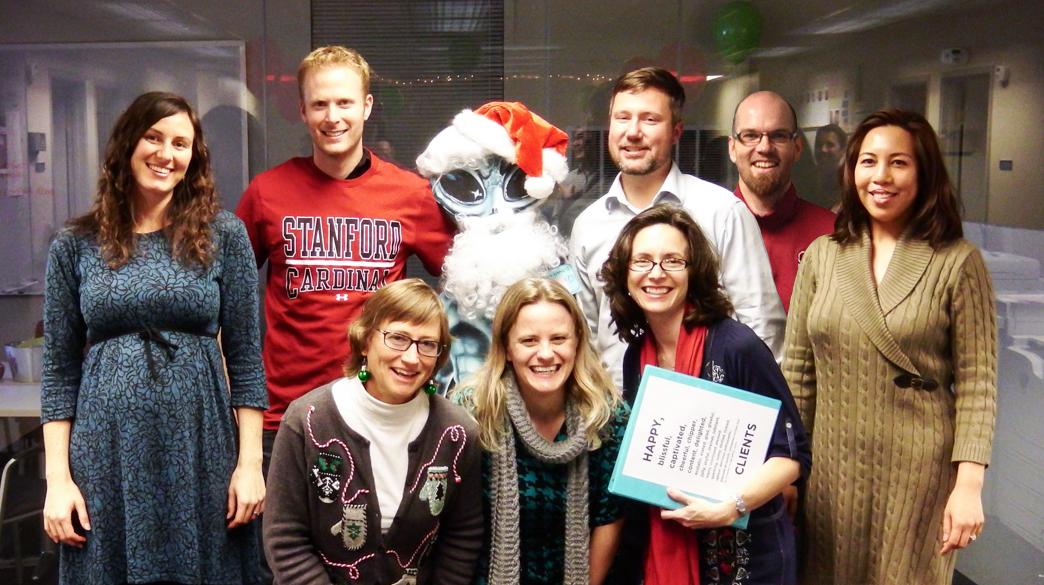
2013 has been a fantastic year! The Stanford Web Services team wishes you happy holidays over the winter break! We'll see you in 2014!


 Posted by Megan Erin Miller on Friday, December 20, 2013 - 9:05am
 2013 has been a fantastic year! The Stanford Web Services team wishes you happy holidays over the winter break! We'll see you in 2014!
 Posted by Megan Erin Miller on Thursday, December 19, 2013 - 9:00am
 At the beginning of November, I was fortunate to be able to participate in Adaptive Path’s User Experience Intensive (UXI for short). The event consisted of four solid days of workshop-infused learning, where we covered new design principles and tools for design strategy, design research, service design, and interaction design.
Now that I've had a month to let UXI sink in, I wanted to reflect a bit on what I learned, and on the format of the event.

 Posted by Caryl J Westerberg on Monday, December 16, 2013 - 1:03pm
 Remembering your password can be tricky if you don't work with your Drupal site all that often. If you've forgotten your password on your Drupal site, it's easy to reset it.

 Posted by Cynthia Mijares on Friday, December 13, 2013 - 1:41pm
 You want a personal site that easy to maintain and edit with potential to add dynamic content and wonder how to get started? Stanford Sites is an awesome product using Drupal technology.
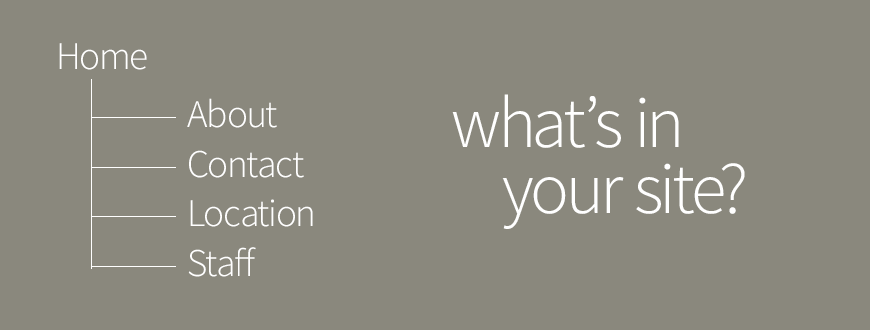
From the Welcome screen, you can easily create a site menu with a few pages to get you started. Typically a personal site will have the following pages:
 Posted by Caryl J Westerberg on Thursday, December 12, 2013 - 9:18am
 Suppose you're getting ready to migrate your website from Drupal 6 to 7, or maybe you just inherited a site. You'll want do an audit to learn what content is on the site and how it is structured. When it comes time for a site audit, it’s good to start with a sitemap.
Click on one of the series below to see all the blog posts in that particular series




