Home of the Stanford Web Services Blog
One of the needs that we frequently encounter on campus while building sites is linking to forms and documents like pdfs from within text areas like the body field in Drupal. Note: I've updated this blog post to reflect the newest version of Box as of 9/24/2014.
The Old Way
The old way to link to documents was through Drupal's file system. One approach might be:
 Posted by John Bickar on Friday, January 11, 2013 - 12:36pm
As a centrally-supported service, Stanford Sites is designed to have a robust yet limited set of modules available to site owners. This ensures the service can be tested and upgraded as needed. Though Stanford Sites does not accommodate the direct installation of modules by site owners, we welcome suggestions for module additions or changes; our goal is to ensure the service grows and adapts to the needs of our campus community.
When requests for new modules come in, either internal or external, we use the following criteria to evaluate those requests:
It's a great time to be a web designer, as we have this explosion of web fonts at our finger tips. Tools such as Google Web Fonts make these available for free, and integrating them is easy on your site, even on sites.stanford.edu! In this tutorial, I'm going to go through adding a webfont to your Drupal site using CSS Injector (available on sites.stanford.edu), and developing a proportional typographic system for your site.
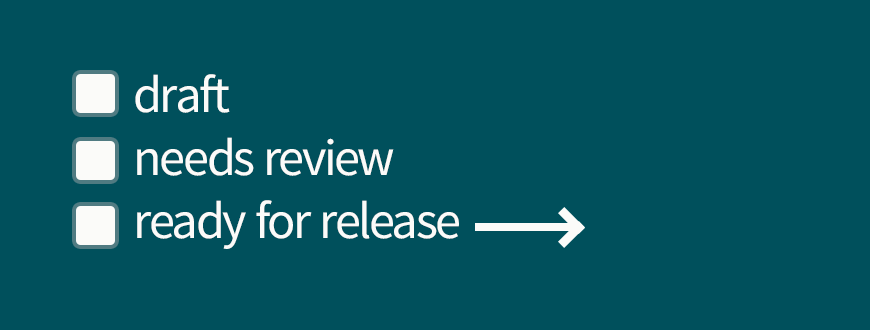
If you need an easy workflow solution for publishing content only after it has been vetted and approved, then the Content Status Feature may be a great solution for you!
Content Status is a module created by Stanford Web Services that implements an easy way to identify the status of your pages as approved, in review or placeholder content.
Currently this module is only available for Drupal sites in using the Collaboration Tools Installer and Drupal sites in AFS. This module is proposed for the sites.stanford.edu stack of core modules.
Pages